
Release your Android app
with fewer surprises.
Practical guides for Google Play closed testing, Play Console releases, Firebase configuration, and mutual testing with TestCrew.
Featured guides
Begin with the topics most useful during testing and release preparation.
Google Play Closed Testing
Understand the purpose of closed testing, the tester and duration requirements that may apply to new personal developer accounts, and the path toward production access.
How to Find Testers for Closed Testing
Plan a reliable tester-recruitment process for Google Play closed testing without depending only on personal contacts.
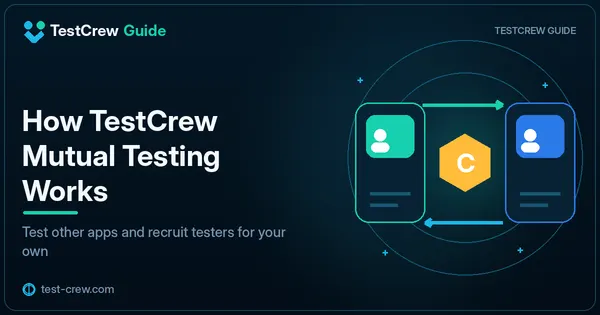
How TestCrew Mutual Testing Works
Learn how developers test one another’s Android apps, earn credits, and use those credits to recruit testers for their own listings.
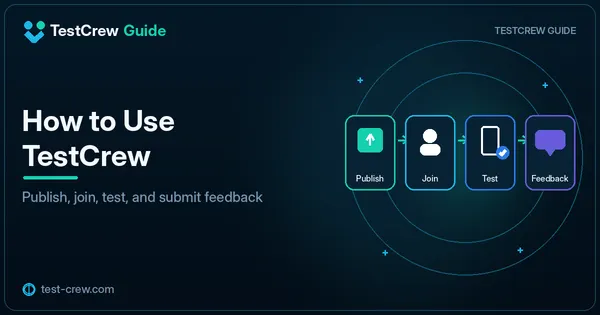
How to Use TestCrew
Get started with TestCrew as an Android developer who wants to test other apps and recruit testers for a Google Play closed test.
Google Play Closed Testing
Closed-test requirements, tester participation, testing tracks, and practical troubleshooting.
Google Play Closed Testing
Understand the purpose of closed testing, the tester and duration requirements that may apply to new personal developer accounts, and the path toward production access.
How to Find Testers for Closed Testing
Plan a reliable tester-recruitment process for Google Play closed testing without depending only on personal contacts.
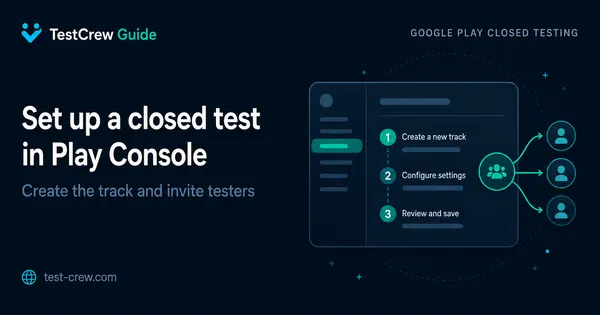
Set Up a Closed Test in Play Console
Create a closed-testing track, configure testers, upload a release, and verify that the opt-in flow works before inviting participants.
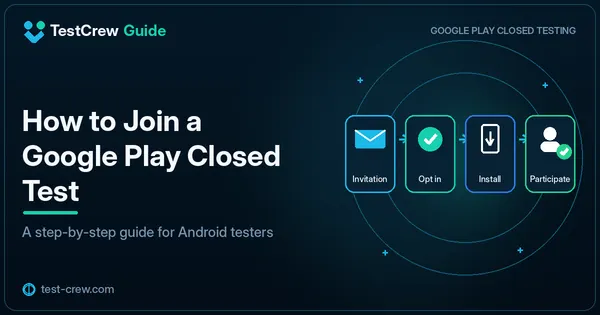
How to Join a Google Play Closed Test
Follow the tester-side opt-in, installation, update, and feedback steps for a Google Play closed test.
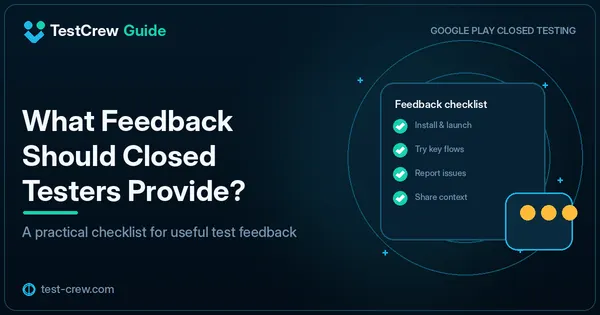
What Feedback Should Closed Testers Provide?
Collect feedback that helps an Android developer improve stability, usability, and release readiness instead of receiving only vague comments.
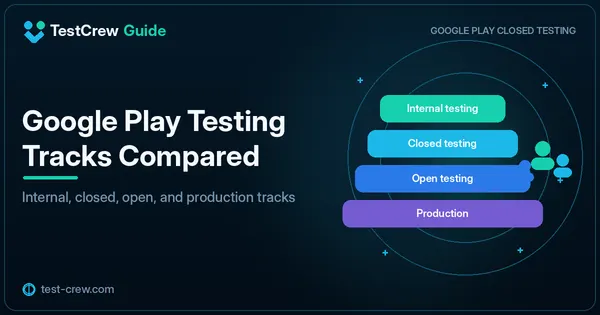
Google Play Testing Tracks Compared
Choose among internal, closed, open, and production tracks based on audience size, release risk, and the purpose of the test.
Closed Test Link Not Working?
Diagnose a Google Play closed-test opt-in link that opens an error, shows no app, or does not let an invited tester participate.
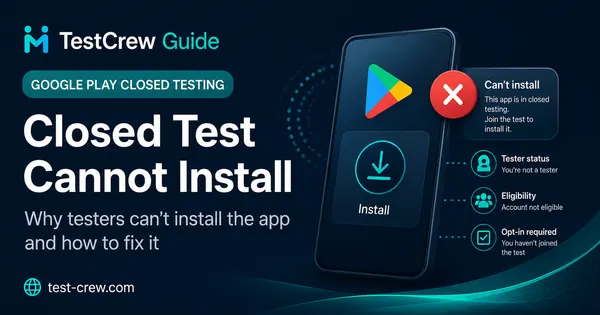
Closed Test Cannot Install
Identify why a tester who received a closed-test invitation still cannot install the app from Google Play.
Closed Test Reset Causes
Understand changes that can interrupt or appear to reset closed-testing progress, tester participation, or the qualifying period.
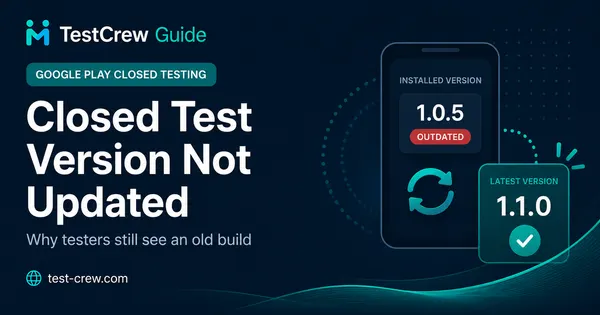
Closed Test Version Not Updated
Resolve a situation where testers still receive an older build after a new closed-test version has been uploaded.
Tester Count Not Updated
Investigate why the closed-test tester count does not change immediately after invitations or opt-ins.
Using TestCrew
Mutual testing, credits, app listings, tester participation, and return testing.
How TestCrew Mutual Testing Works
Learn how developers test one another’s Android apps, earn credits, and use those credits to recruit testers for their own listings.
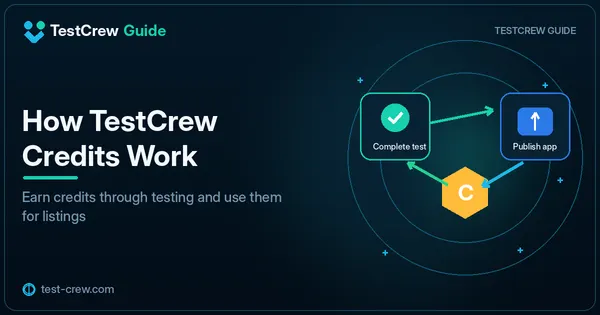
How TestCrew Credits Work
Understand the TestCrew credit cycle for completing tests, publishing app listings, and maintaining tester recruitment.
How to Use TestCrew
Get started with TestCrew as an Android developer who wants to test other apps and recruit testers for a Google Play closed test.
How to Publish Your App on TestCrew
Prepare a clear TestCrew listing that gives Android testers the correct closed-test link, requirements, and feedback instructions.
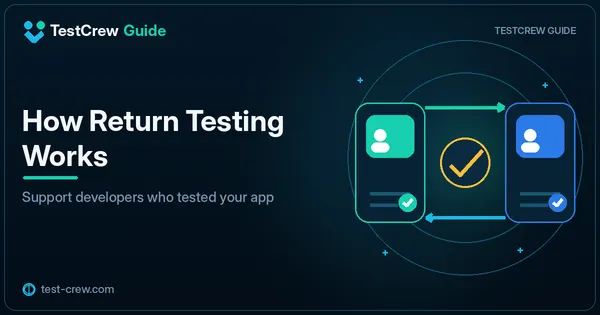
How Return Testing Works
Understand how to respond when another developer has tested your app and you want to support their testing in return.
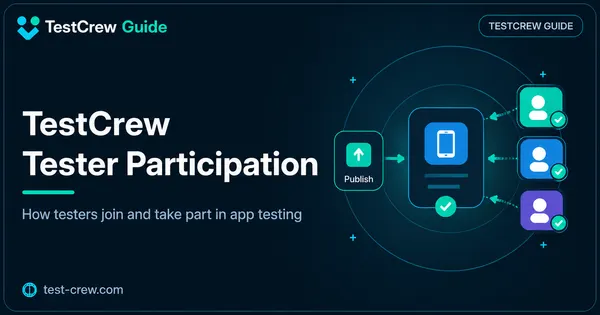
TestCrew Tester Participation
Follow the full participation flow from opening a TestCrew listing to joining Google Play, testing the app, and reporting completion.
Play Console and Releases
Production access, App Bundles, version codes, signing, and release problems.
More Testing Required?
Understand a Play Console message that asks for more testing before production access and identify what evidence may be missing.
More Testing Required Reapply
Prepare a stronger production-access reapplication after Play Console requests additional closed testing.
Production Access Application
Organize clear, truthful answers for the Google Play production-access application after closed testing.
App Not Available Error
Troubleshoot a Google Play message saying a test app is not available for the current account, device, or region.
App Bundle Upload Error
Diagnose an Android App Bundle upload failure by checking version code, signing, application ID, target API, and bundle integrity.
Version Code Already Used
Fix a Play Console rejection caused by uploading an Android build whose version code has already been used.
Play App Signing & Upload Key
Understand the difference between the app-signing key and upload key, and prepare a safe release workflow for Google Play.
Add SHA-1 for Debug and Release
Register the correct debug, upload, and Play app-signing certificate fingerprints for Google services used by an Android app.
How to Use Google Groups for Google Play Closed Testing
Set up Google Groups for Google Play closed testing, add the group in Play Console, share the opt-in link, and troubleshoot testers who cannot join or install the app.
Does Updating Your App Reset Google Play's 14-Day Closed Test?
Understand whether publishing a new AAB during Google Play closed testing affects the 14-day requirement, what Google officially measures, and how to update without disrupting tester participation.
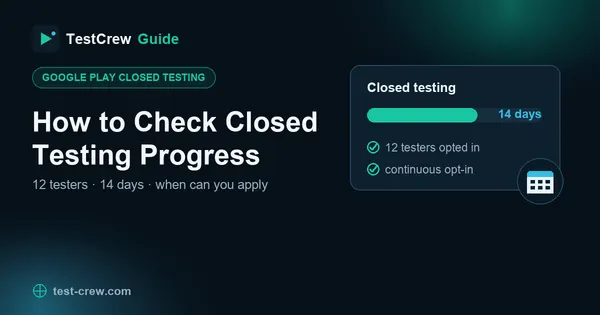
How to Check Google Play Closed Testing Progress: 12 Testers & 14 Days
Learn how to track Google Play closed-testing progress, why the tester count or 14-day period may appear stuck, how staggered opt-ins affect eligibility, and when you can apply for production access.
Firebase and Android Setup
Firebase configuration, Google sign-in, SHA fingerprints, and environment separation.
Google Services JSON Setup
Add the correct google-services.json file to an Android app and verify package, Gradle plugin, and Firebase project configuration.
google-services.json Missing in Module Root
Fix the Gradle error that occurs when google-services.json is missing from the Android app module or expected source set.
Default FirebaseApp Not Initialized
Fix a Firebase startup error caused by missing configuration, plugin setup, initialization order, or process-specific behavior.
FirebaseApp Default Already Exists
Resolve duplicate Firebase initialization when the default app is created automatically and then initialized again by application code.
Google Sign-In SHA Fingerprint Error
Fix Google sign-in failures caused by missing or mismatched certificate fingerprints, OAuth clients, package names, or configuration files.
No Matching Client Found for Package Name
Fix the Google services Gradle error that appears when no client in google-services.json matches the Android application ID.
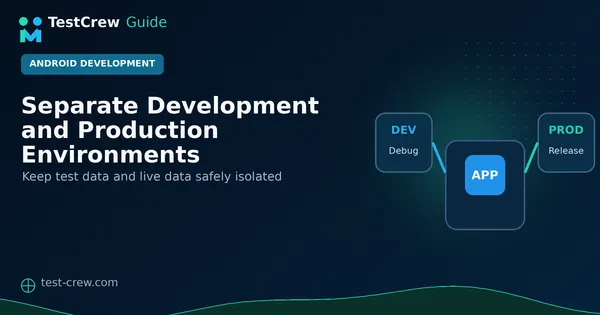
Separate Development and Production Environments
Design safer Android development and production environments with separate package IDs, Firebase projects, credentials, data, and release workflows.