
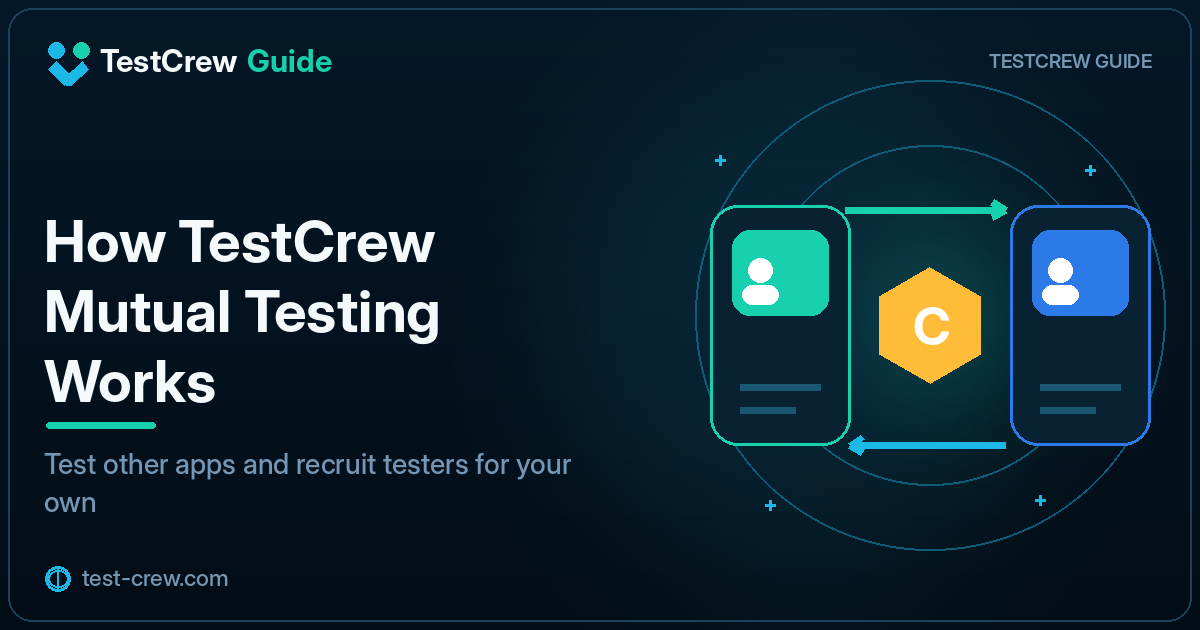
Mutual testing is a method in which multiple app developers join one another’s Google Play closed tests and actually check each other’s apps.
For independent developers who cannot easily recruit 12 testers from personal contacts, it can be a practical way to find participants.
However, simply exchanging links and clicking the opt-in button is not meaningful testing. A useful mutual-testing process includes maintaining participation, using the core features, and providing specific feedback.
The basic mutual-testing flow
Developer A and Developer B typically cooperate as follows:
- A reviews B’s testing conditions
- A joins B’s closed test
- A installs and uses B’s app
- A reports the results to B
- B performs the same process for A’s app
- Both remain opted in for the required testing period
Rules such as returning a test on the same day vary by service or community. Confirm the conditions before participating.
Benefits of mutual testing
Developers can communicate technical details more easily
Compared with asking a general user, developers can often share information such as:
versionCode- Android version
- Sign-in method
- Reproduction steps
- Device-specific behavior
- Google Play release status
You can test on more real devices
Independent developers often own only a small number of Android devices. Mutual testing can provide access to different manufacturers, screen sizes, and Android versions.
Testing other apps can improve your own app
Reviewing another developer’s app may reveal ideas for improving your own onboarding, instructions, error messages, and first-run experience.
Caution 1: Do not reduce the exchange to tester counts
Avoid practices such as:
- Treating the test as complete immediately after opening the participation link
- Never launching the app
- Leaving the test before the required period ends
- Asking for no feedback
- Reporting only the participant count in a production-access application
A production-access application may ask what was learned from testing and how the app was improved.
Caution 2: Give testers a focused checklist
An instruction such as “Please test everything” does not tell the tester what to do.
Limit the request to approximately three to five items.
Please check:
1. Complete registration and sign-in
2. Add one photo
3. Edit the saved entry
4. Restart the app and confirm that the data remains
5. Report any unclear wording
Caution 3: Explain permissions and test data
If the app requests access to location, photos, contacts, notifications, or other device capabilities, explain why those permissions are needed.
Design the test so participants do not have to enter real personal information or real payment details.
Caution 4: Track return testing
As participation grows, it becomes difficult to remember whose app you have already tested.
| Participant | Joined | Installed | Items checked | Report sent | Returned |
|---|---|---|---|---|---|
| Tester A | Aug 3 | Done | Registration, save | Done | Done |
| Tester B | Aug 4 | Done | Sign-in | Done | Pending |
See How Return Testing Works in TestCrew for the return-testing workflow.
What to include in a recruitment post
Include enough information for a tester to decide whether they can participate.
- App name
- Purpose of the app
- Supported Android versions
- Participation URL
- Actions to check
- Whether a test account is provided
- Required permissions
- Period for which participation should be maintained
- Feedback method
- Return-testing conditions
Example recruitment message
I am recruiting closed testers for an Android app.
After joining, please install the app from Google Play and check registration,
data saving, and whether the data is still shown after restarting the app.
Please remain opted in for 14 days.
If you find a problem, share the device model, Android version, and steps that caused it.
I will handle mutual testing after confirming the listed conditions.
Examples of useful feedback
Tested on Pixel 7 / Android 15.
Registration and sign-in worked normally.
After tapping Save, it was difficult to tell whether the operation had completed,
so a completion message would make the result clearer.
A weak report would be:
Looks OK.
Even when no problem is found, state which features were checked.
Managing mutual testing with TestCrew
TestCrew can organize app listings, credits, participation, and return testing in one place.
Compared with managing everything through separate direct messages, it can make it easier to track:
- Which apps you joined
- Who joined your listing
- Your credit balance
- Return-testing status
- The conditions for each app
See How TestCrew Credits Work for the credit system.
TestCrew is not an official Google LLC or Google Play service. It supports tester recruitment and participation, but it does not guarantee production access, review approval, or publication.
Summary
Effective mutual testing requires more than exchanging opt-in links.
- Do not stop at participation
- Use the app’s core features
- Maintain participation for the required period
- Provide a specific test checklist
- Share device details and reproduction steps
- Track return-testing conditions and status
- Apply the results to app improvements
Use mutual testing not only to recruit participants, but also to collect real-device and first-time-user feedback that is otherwise difficult for an independent developer to obtain.
Primary sources
Official references
Check the linked official documentation before a production release.
Continue reading
Related guides
TestCrew
Find testers through mutual testing
Test other Android apps, provide useful feedback, and use earned credits to recruit testers for your own Google Play closed test.
Learn how TestCrew works