
TestCrew is a platform that helps Android app developers support one another’s Google Play closed tests.
By actually testing another developer’s app and leaving useful feedback, you can earn credits. Those credits can then be used to list your own app and recruit testers.
TestCrew is not an official Google LLC or Google Play service. It supports tester recruitment and participation, but it does not guarantee production access, review approval, or publication.
The problem TestCrew addresses
Recruiting testers is often one of the hardest parts of a Google Play closed test for an independent developer.
Common difficulties include:
- Having too few Android users among personal contacts
- Finding enough people who will continue participating
- Repeatedly explaining the opt-in process
- Not knowing whether a tester actually completed participation
- Having no structured way to collect feedback
TestCrew provides a route that does not depend only on friends or acquaintances by connecting developers who have the same testing needs.
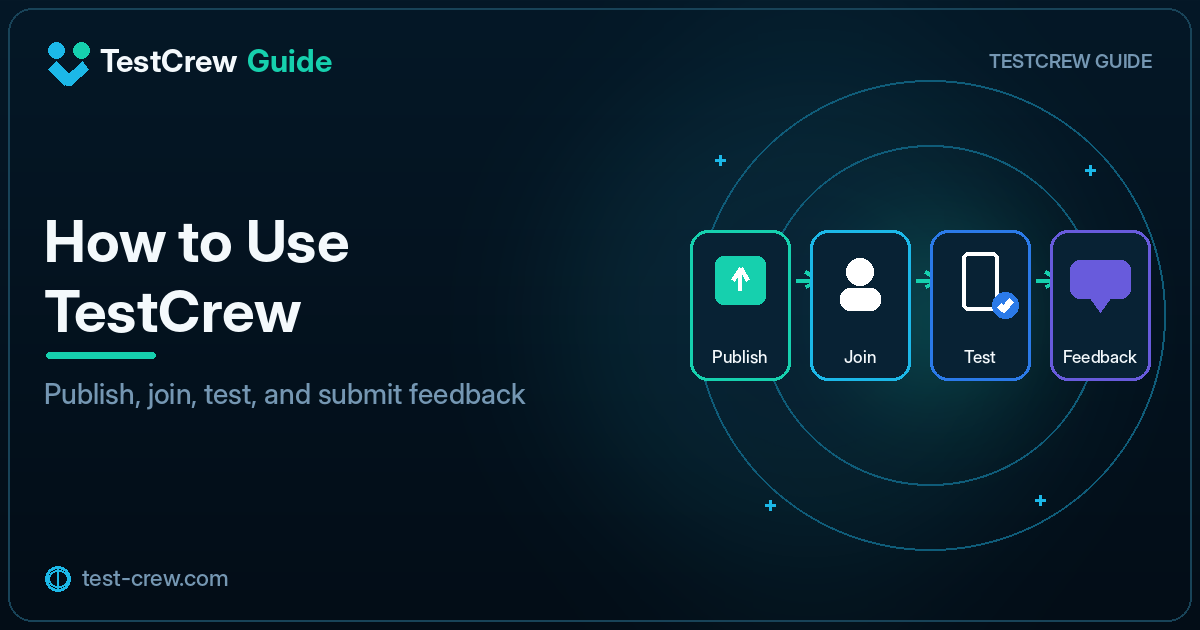
The four basic steps
1. Find another app to test
Browse apps that are currently recruiting testers in TestCrew.
Read the app description, test instructions, and requested features, then choose an app that can be tested on your device.
2. Join the Google Play test
Open the participation flow from the listing and join the closed test with the correct Google account.
The usual process is:
- Open the participation link
- Choose to become a tester
- Open the Google Play Store page
- Install the app
When the link does not work, check the invited account, distribution country, release status, and tester configuration.
3. Use the app and provide feedback
Launch the app and check the items specified by the developer.
Feedback is more useful when it includes details such as:
- Features checked
- Confusing interactions
- Bugs encountered
- Device and Android version
- Improvements that would make the app easier to use
When a test app asks for personal information, confirm what is actually required and avoid entering unnecessary data.
4. Use credits to list your own app
Use the credits earned from completed testing to publish your own recruitment listing.
Before listing the app, prepare the closed test in Google Play Console.
- Upload the AAB
- Publish a release to the closed-testing track
- Configure tester management
- Obtain or verify the participation path
- Prepare concise testing instructions
Publishing a TestCrew listing does not automatically complete the Play Console configuration.
Prepare the listing information
Incomplete information makes it easier for participants to get stuck.
Information to prepare
- App name
- Short description
- Google Play participation or store URL required by the current TestCrew flow
- Features to test
- Whether sign-in is required
- Whether a test account is available
- Known issues
- Supported devices and Android versions
Write instructions for a first-time user
Instructions should be specific enough that someone seeing the app for the first time can follow them.
1. Sign in with a Google account
2. Tap New on the home screen
3. Enter a name and note, then save
4. Confirm that the entry appears in the list
5. Restart the app and confirm that the saved data remains
An instruction such as “Use the app freely” produces inconsistent testing coverage.
How the credit cycle works
Credits connect contribution and recruitment.
Test another app
↓
Leave useful feedback
↓
Earn credits
↓
List your own app
↓
Other developers join your test
Reporting completion without actually using the app lowers the quality of mutual testing.
Responsibilities as a tester
Do not stop after installation
Use the main features and complete at least the steps requested by the developer.
Include reproduction steps with bug reports
A report such as “It does not work” is difficult to diagnose. A stronger report looks like this:
Device: Pixel 8
Android: 16
App version: 1.2.0
Action: Saved the profile after signing in
Result: The loading indicator never finished
Reproduction: 3 out of 3 attempts
Protect personal information
Before sharing screenshots, hide email addresses, notifications, authentication codes, and other sensitive information.
Responsibilities as a listing owner
Monitor participation regularly
Check not only TestCrew activity but also the participant state in Play Console.
Opening a link does not necessarily mean the tester completed the opt-in process.
Respond to tester reports
When a tester reports a bug, prepare a corrected build, increase the versionCode, and publish a new AAB.
After the update, confirm that testers can obtain and use the latest version.
Recruit more than the exact minimum
A participant may leave the test or change accounts. Maintaining a small buffer can make the test more stable.
Work that TestCrew does not replace
Developers remain responsible for:
- Registering the app in Play Console
- Building and signing the AAB
- Completing the store listing
- Completing Data safety and other declarations
- Publishing the closed-testing release
- Applying for production access
- Responding to Google Play review and policy issues
TestCrew supports testing participation and recruitment; it is not a submission or review agency.
Frequently asked questions
Does listing my app guarantee 12 testers?
No. TestCrew can increase opportunities for participation, but it does not guarantee a specific number of testers.
Clear listing information and short, concrete test steps can make participation easier.
Must testers use the app every day for 14 days?
Separate the current Google Play requirement from the developer’s requested testing activities.
At minimum, testers should maintain the required participation state, actually check the specified functions, and leave meaningful feedback.
Is it safe to install an unfamiliar app?
Review the listing, requested permissions, privacy policy, and information the app asks you to enter. Stop the test and report the issue if the app requests unnecessary access or behaves suspiciously.
Summary
The basic TestCrew workflow is:
- Find an app recruiting testers
- Join its Google Play closed test
- Actually use the app
- Leave specific feedback
- Earn credits
- List your own app
- Continue monitoring participation in Play Console
Mutual testing provides the most value when it is used not only to fill participant counts, but also to improve app quality before release.
Primary sources
Official references
Check the linked official documentation before a production release.
Continue reading
Related guides
TestCrew
Find testers through mutual testing
Test other Android apps, provide useful feedback, and use earned credits to recruit testers for your own Google Play closed test.
Learn how TestCrew works